
Add Dictionary Page
The Add Dictionary page allows you to create a new dictionary, either empty or pre-filled using a file.
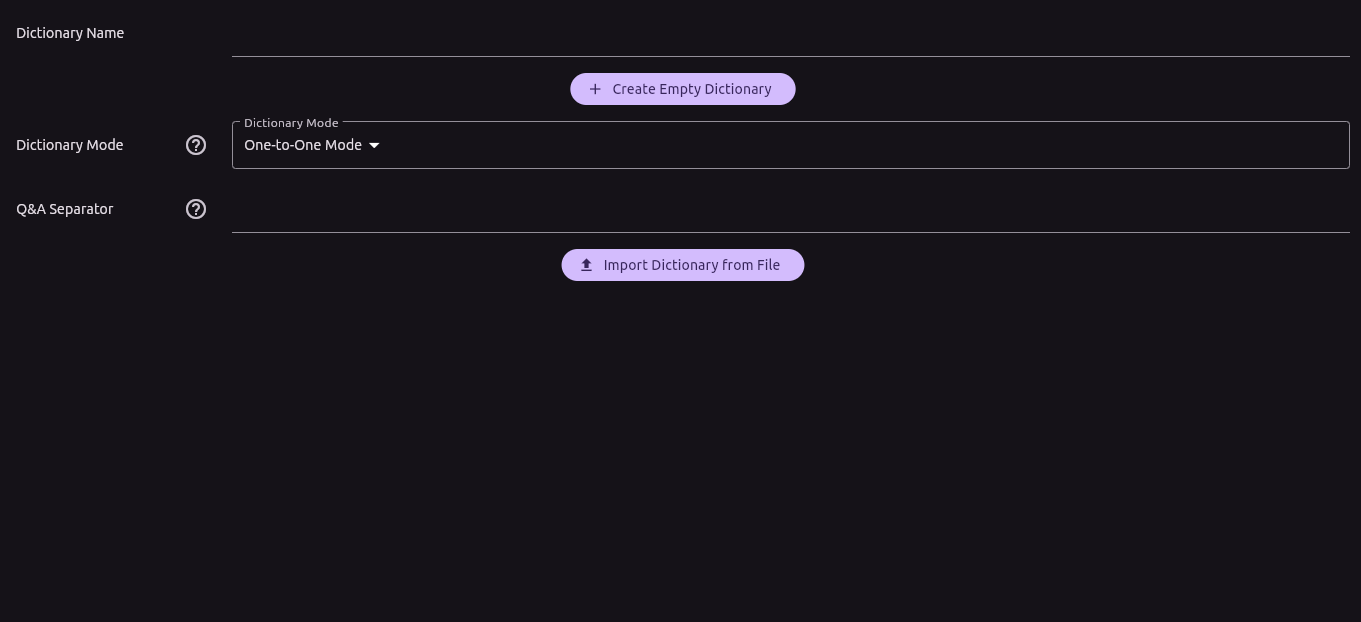
Creating a New Dictionary
There are two ways to create a new dictionary:
- Empty Dictionary: Click the "Create Empty Dictionary" button to start adding questions and answers from scratch.
- Import Dictionary From File: You can create a dictionary by importing a file containing questions and answers. Each line in the file must contain one question and its corresponding answer, separated by a globally unique separator (known as the Q&A separator).
Dictionary Modes
Currently, there are two modes for creating a dictionary from a file:
-
One to One: Each line in the file contains one question and one answer, separated by the Q&A separator.
Example: Given the line want ; wollen/möchten and a Q&A separator of ;, the dictionary will create one question (want) with the answer (wollen/möchten).
-
Many to Many: This mode is similar to One to One, but both the question and answer fields can contain multiple values. These sub-questions and sub-answers are separated by another delimiter (the Many-to-Many separator).
Example: Given the line aufstehen / aufwaschen / aufwachen|get up / wake up, with a Q&A separator of | and a Many-to-Many separator of /.
In this example, the dictionary will create three questions, each linked to two answers:
-
Question:
aufstehen
Answers: get up, wake up -
Question:
aufwaschen
Answers: get up, wake up -
Question:
aufwachen
Answers: get up, wake up
-
Question:
aufstehen